I've been using Claude Code every day since I discovered it — building agents, setting up OpenClaw, writing my personal website. It is, without exaggeration, the greatest developer tool I have ever used.
But there was one thing that kept bugging me: I couldn't manage my conversation history.
The Problem That Started It All
After weeks of heavy usage, I had accumulated 167 sessions — including abandoned conversations, auto-generated /exit artifacts, and subagent worker threads that meant nothing to me. The /resume picker was cluttered. I couldn't find anything.
I asked Claude: "How do I manage the past conversations? I want to delete the low-value ones."
The answer? There was no built-in way. You could browse and resume sessions, but you couldn't delete, preview, or filter them. The only option was manually finding and removing .jsonl files from ~/.claude/projects/.
So I did what any developer would do — I went looking for a solution.
Research: What Already Exists?
I spent time researching the landscape. Here's what I found:
- claude-chat-manager — A C# interactive console tool. Closest to what I wanted, but required .NET runtime and had no filtering.
- claude-history — A Rust TUI with fuzzy search. Beautiful and fast, but read-only — no delete capability.
- claude-conversation-extractor — Python tool for exporting conversations. Useful for backup, but no management features.
None of them had the full package: browse + preview + delete + filter + search, all in a beautiful terminal UI.
Meanwhile, on the claude-code GitHub repo, there were 6+ open issues asking for exactly this feature — including issues about session deletion, session listing, and session management UI. Some dating back to December 2025. Clearly, this was a gap that many people felt.
The Decision: Build It as a Plugin
I initially considered contributing directly to the claude-code repository. But I learned that Claude Code is source-available, not open-source — Anthropic auto-closes external pull requests.
The right path was to build it as a Claude Code plugin. Plugins can be submitted to the official marketplace, discovered by all users, and they follow the same conventions as Anthropic's own tools. This was the way.
Design: 颜值即正义
The Chinese internet has a phrase: 颜值即正义 — "looks are justice." If it doesn't look good, it doesn't matter how well it works.
So I committed to building a full-screen alternate-buffer TUI — the same technique used by vim, less, and fzf. No web browser, no Electron app. Pure terminal beauty.
The design went through multiple iterations:
- First I mocked up the layout with 10+ keybindings — too complex
- Simplified down to 5 intuitive controls: ↑↓ Navigate, Enter Preview, Backspace Delete, Tab Filter, Type to Search
- Added filter modes: All, By Project, Small (under 100K), Old (>30 days)
- Added a delete confirmation dialog so you never accidentally nuke a session
The TTY Challenge
Here's the plot twist I didn't see coming: Claude Code's Bash tool doesn't provide TTY access to subprocesses.
When you launch a script through Claude, process.stdin.isTTY is undefined and /dev/tty is inaccessible. This means the interactive TUI simply cannot work when invoked via /sessions inside Claude Code.
The superpowers plugin hit this same wall — that's why it uses a browser-based WebSocket server instead of a terminal TUI.
My solution: dual-mode architecture. The script tries to open /dev/tty directly. If it works, you get the full beautiful TUI. If not, it falls back to CLI mode where Claude mediates — showing you a numbered list and accepting commands like "delete number 5" or "preview number 3."
Both modes work. The TUI is the 颜值 experience. The CLI fallback is the practical one.
Implementation: 7 Tasks, 32 Tests, Zero Dependencies
I followed a rigorous development process:
- Design spec — reviewed and approved through automated spec review
- Implementation plan — 7 tasks with dependency graph, TDD throughout
- Parallel execution — Tasks 3 (CLI) and 4 (Renderer) built simultaneously
- Single file —
session-picker.cjs, ~1000 lines of vanilla Node.js - Zero npm dependencies — only Node.js built-in APIs
- 32 tests across 3 suites (scanner, CLI, utilities)
The whole thing was built in a single Claude Code session. Claude helped me research, design, plan, implement, test, and publish — all in one conversation.
The Bonus Feature
While testing, I noticed something annoying: sessions created by /exit and /clear commands. These auto-generated artifacts contain no real conversation — just local command tags. They're junk.
So I added --clean-auto — a one-click command that detects and deletes all auto-generated sessions. In my first run, it cleaned up 5 junk sessions instantly.
Submitting to the Marketplace
The final step was sharing it with the world:
- GitHub: Published at GravesXX/session-manager
- Issue comment: Posted on the longest-running open issue about session deletion (33 comments, open since Dec 2025)
- Marketplace submission: Submitted through the official Claude Code plugin directory form
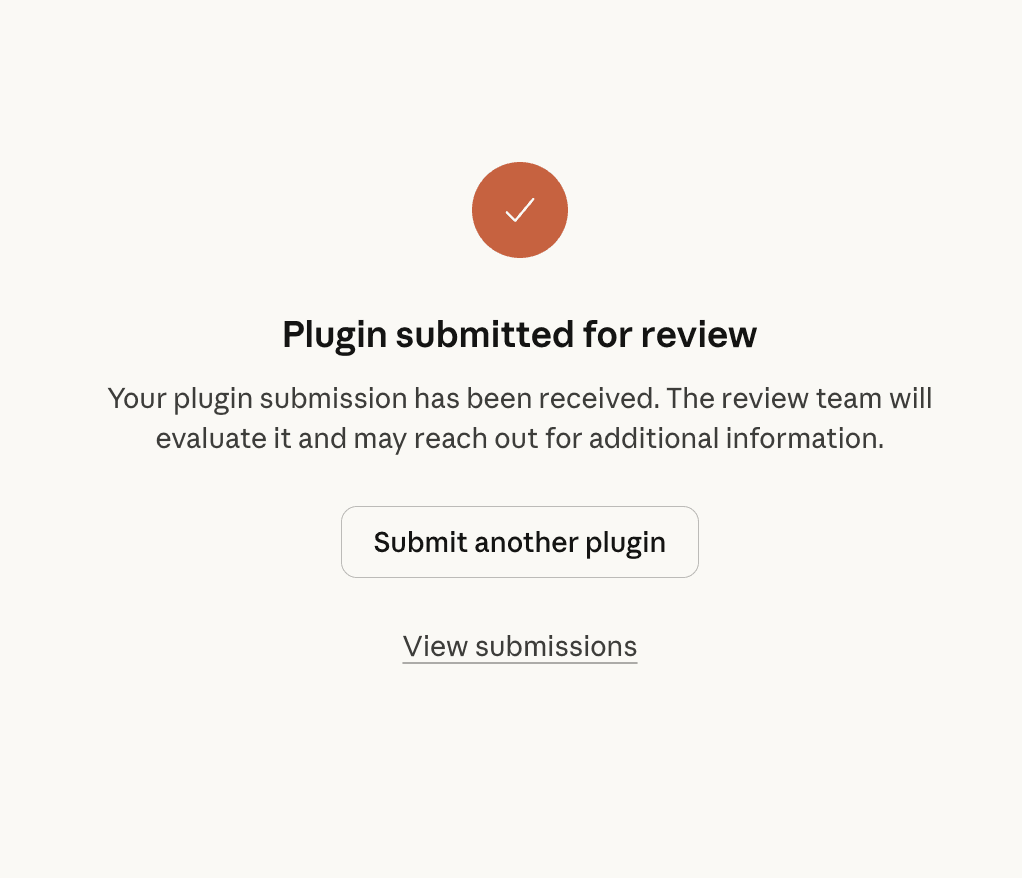 Marketplace Submission
What I Learned
This was my first open source contribution, and here's what I took away:
Start with the problem, not the solution. I didn't set out to build a TUI. I set out to clean up my conversation history. The research phase — reading issues, testing existing tools, understanding the gap — was more valuable than any code I wrote.
Constraints breed creativity. The TTY limitation forced the dual-mode architecture, which actually made the tool more useful — it works everywhere now, not just in a terminal.
One file can be enough. No build step, no dependencies, no package.json. A single .cjs file that runs with node. Sometimes the simplest architecture is the best one.
The plugin ecosystem is the contribution path. You can't PR into claude-code directly, but the plugin marketplace is open and actively curated by Anthropic. Build something good, submit it, and it reaches every Claude Code user.
Try It
# Install
claude plugin marketplace add https://github.com/GravesXX/session-manager.git

# Or run standalone for the full TUI
node path/to/session-picker.cjs
↑↓ Navigate. Enter Preview. Backspace Delete. Tab Filter. Type to Search.
That's it. Five keys. 颜值即正义.